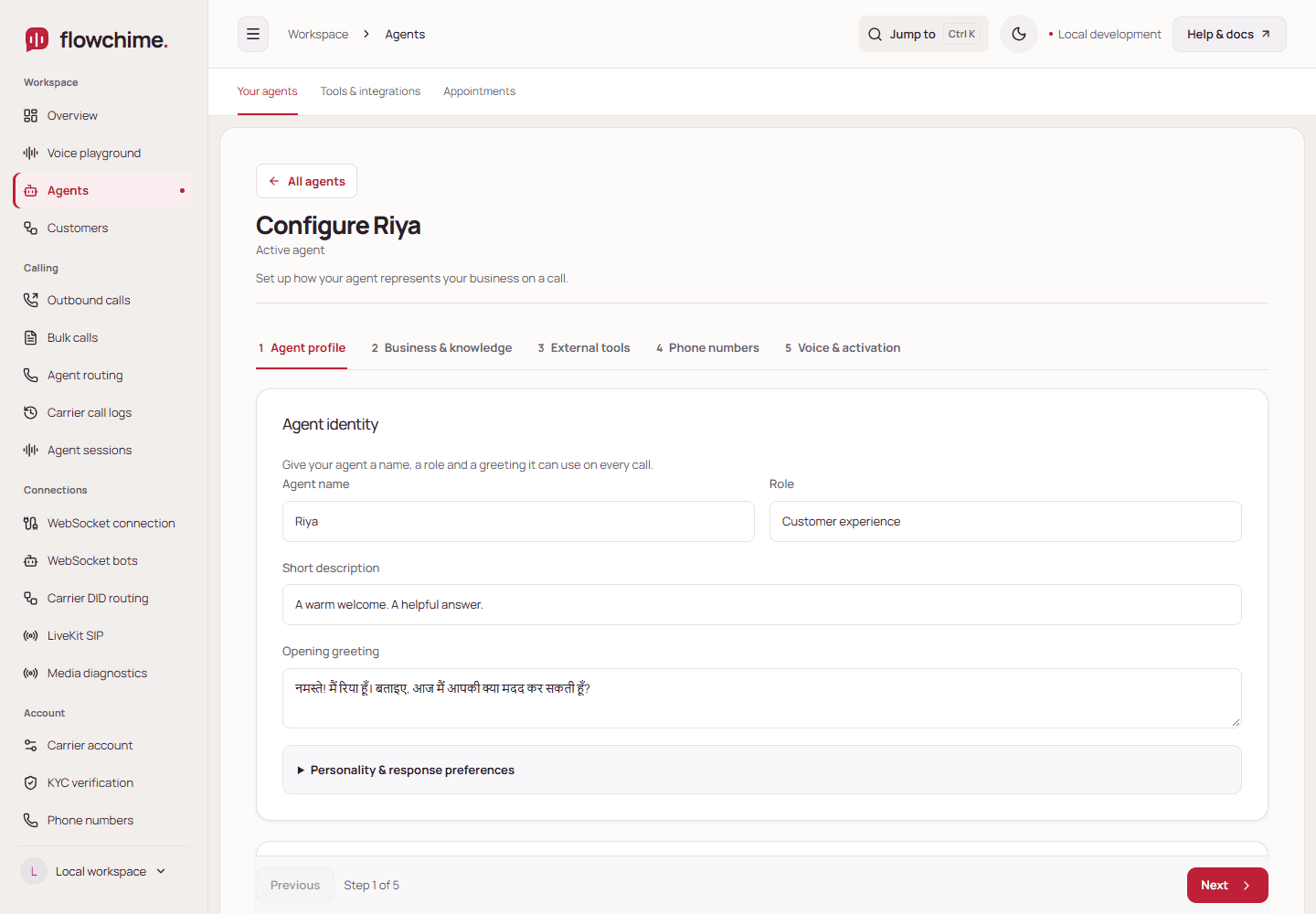
Agent Studio
Set the voice, business knowledge, products, and tasks for each agent.
Explore the studioAnswer calls and follow up in English, Hindi, or Hinglish. Turn conversations into confirmed appointments and sales requests your team can act on.
CallerDo you have anything tomorrow morning?
RiyaI have 10:30 available. Shall I book that for you?
CallerYes, 10:30 works.
Create the voice you want customers to hear. Then see which calls turned into a booking, follow-up, or customer request.
Set the voice, business knowledge, products, and tasks for each agent.
Explore the studio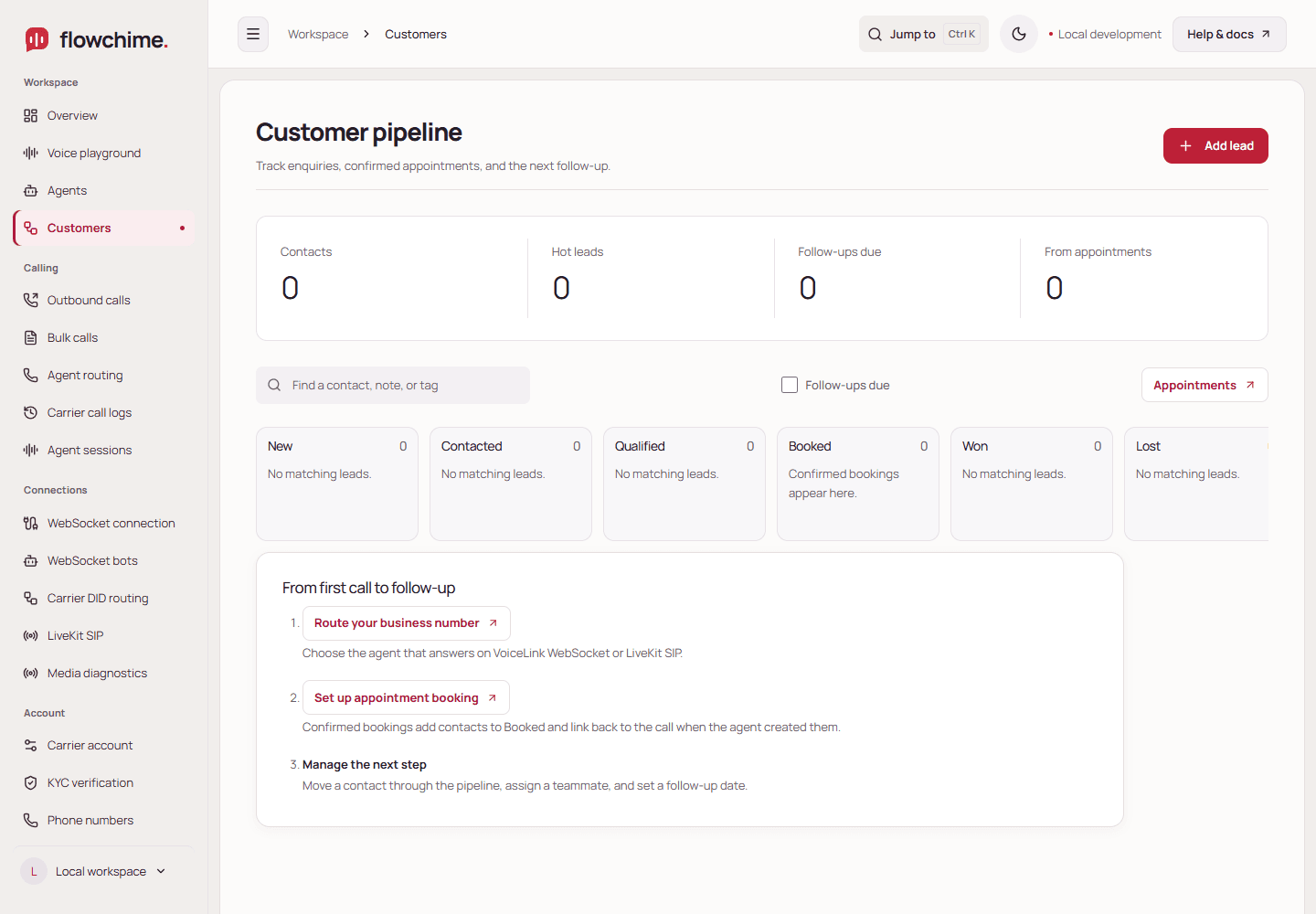
Review conversations and find the appointments or requests your agent saved.
See workflowsFollow an incoming call from the first ring through to a saved appointment.
See how it worksChoose an agent and caller ID in FlowChime. Send the destination number from your CRM, app, or automation.
Read the API guidePOST /api/v1/outbound/calls
{ "phoneNumber": "+919876543210" }Connect your own AI key. Your model provider bills usage separately.