A customer calls your business.
Route your business number to the right agent. Give it a greeting that sounds like your front desk.
Hi, I’d like to book a consultation.Of course. Let’s find a time that works.
Explore agent routing Connect a number, give your agent your business facts and catalog, and see the appointment or purchase request the call produced.
From the first inbound ring to an outbound reminder.
Route your business number to the right agent. Give it a greeting that sounds like your front desk.
Your agent answers from your business knowledge and checks your booking rules. It can hold the conversation in English, Hindi or Hinglish.
The agent confirms the time with the caller before saving it. Your team can open the appointment in the workspace and follow up.
Review the call in your history and open the booking in the workspace. Keep the next action with the customer.
Choose the business number and agent for the reminder. Check the recipient and confirm permission to call.
Submit the call through your configured VoiceLink number. See its status as the carrier reports progress.
When the customer answers, the agent explains the reason for calling and checks whether the appointment still works.
Review the outbound call and record any next step in the customer pipeline, so the team knows what to do next.
Explore the tools your team uses before, during and after a conversation.
An agent starts with your knowledge. Bring in your website and documents, review what matters, then set the tone, language and boundaries of every conversation.
Keep your numbers, agent assignments and call details together. Connect through VoiceLink WebSocket or LiveKit SIP, with separate configuration for each path.
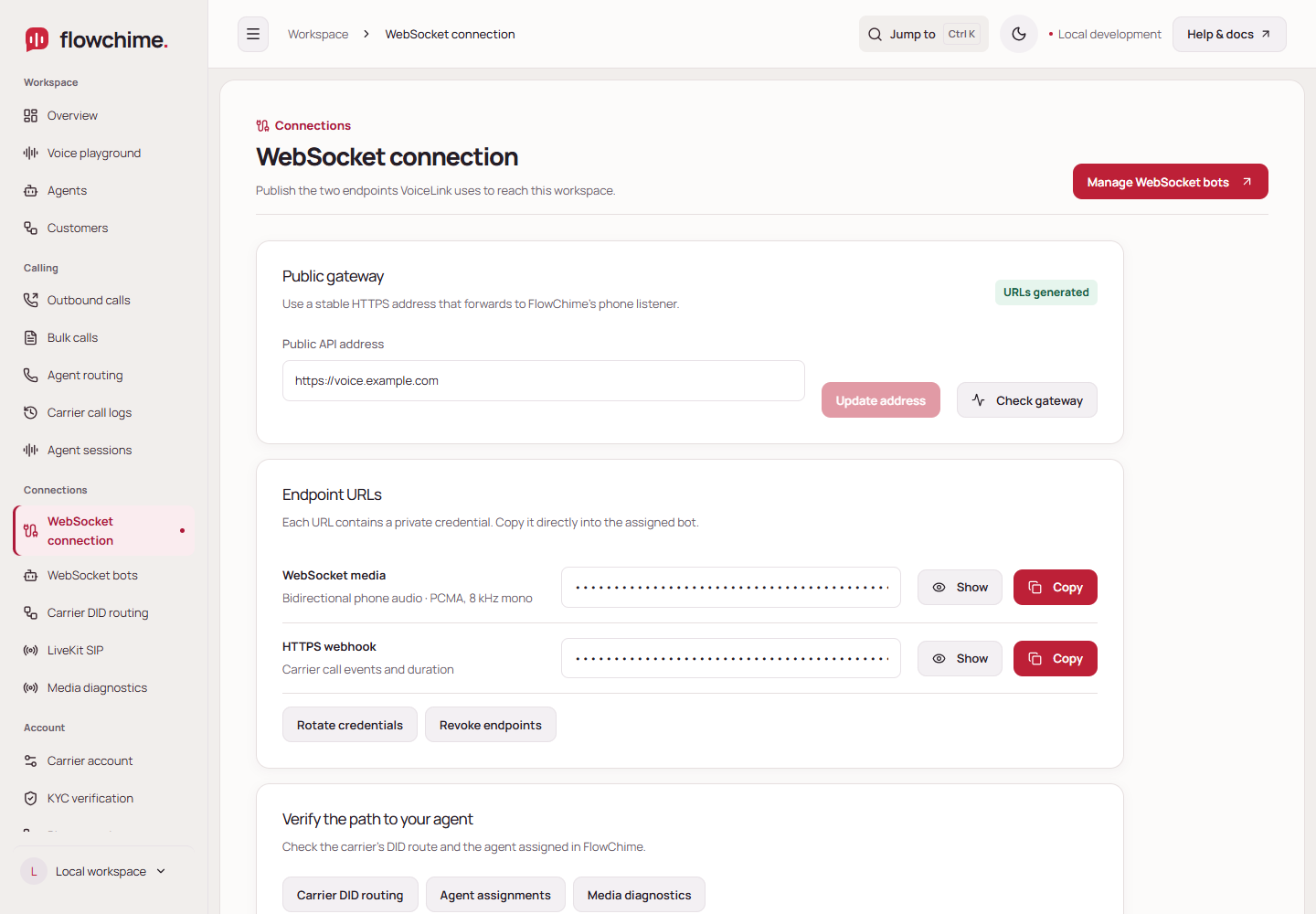
A name, an appointment, a question to follow up. Move approved customer details into your pipeline, assign the next action, and keep the conversation connected to your business.
Sign in with your VoiceLink credentials. Manage the account operations available to your role, from verification and numbers to routing, clients and billing.
Connect the voice to the work your business needs to do.
Set working hours and booking rules. The agent proposes the details and asks the customer to confirm before a booking is saved.
ExploreConnect an HTTPS endpoint to selected agents. Give each tool a purpose, typed inputs and only the access it needs.
ExploreImport a CSV or TXT list, preview named greetings, review consent and submit an outbound batch through your configured number.
ExploreReview call details and saved transcripts when enabled. Separate carrier status from verified audio so your team can investigate the right issue.
ExploreFlowChime is a workspace for building business voice agents, testing them in a browser, managing phone connections and keeping customer follow-up in one place.
Yes. Connect your Gemini or OpenAI key in your workspace. AI provider usage is billed by that provider. Phone numbers, channels and telephone calls are separate VoiceLink services.
Yes. Configure an agent and test the voice, business answers and tools in the browser playground before connecting a telephone route.
It confirms reachability. A working telephone conversation also needs an actual call media session, received caller audio and returned agent audio. FlowChime shows those stages separately.
Yes. Each VoiceLink identity has a separate FlowChime workspace. Reseller administration uses documented permissions for your own clients, numbers and commercial operations.
Explore the steps between the caller’s voice and the agent’s reply.
Your audio goes directly to the native voice model through the server. It understands speech and streams its spoken reply.
Hear it for yourself